
Airbrushing for / 3D
Miniatures, Models and 3D Prints
Explore what matters when preparing for miniatures, models and 3d prints.
What this can be
What can you create?
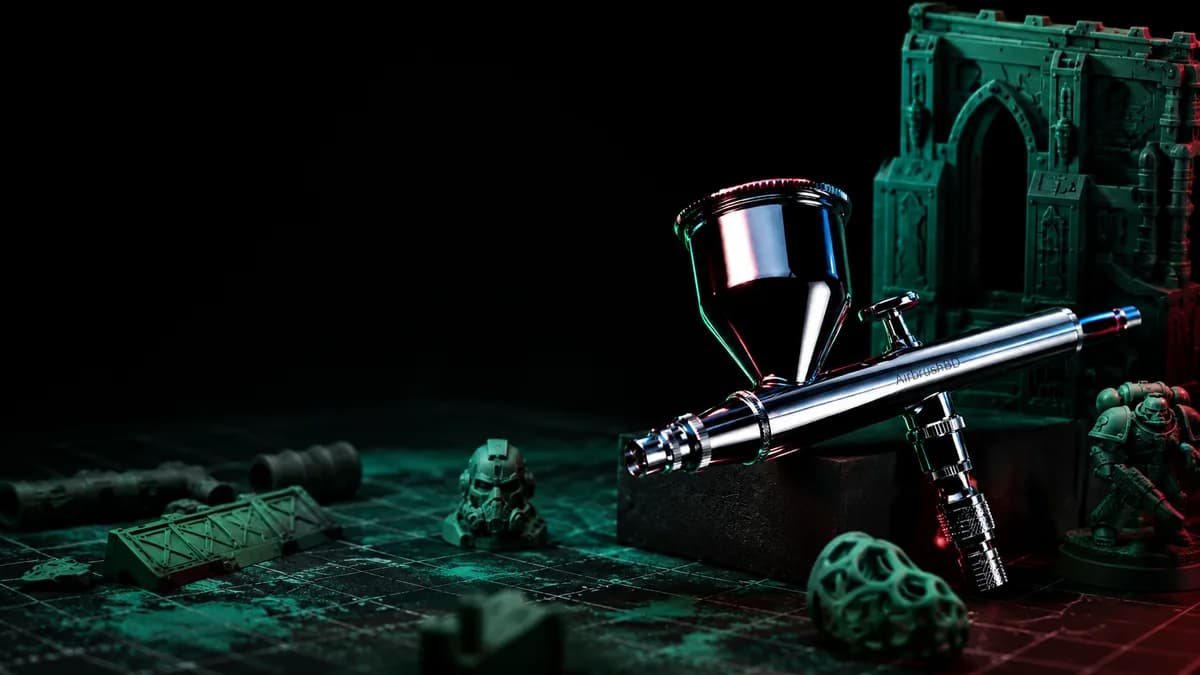
Miniatures, models, and 3D-printed pieces often combine small areas, layered colour, and close inspection. An airbrush can help build controlled colour before hand-detail work.
- Figures and miniatures
- Scale models
- 3D-printed pieces
Real work
Real airbrushed pieces
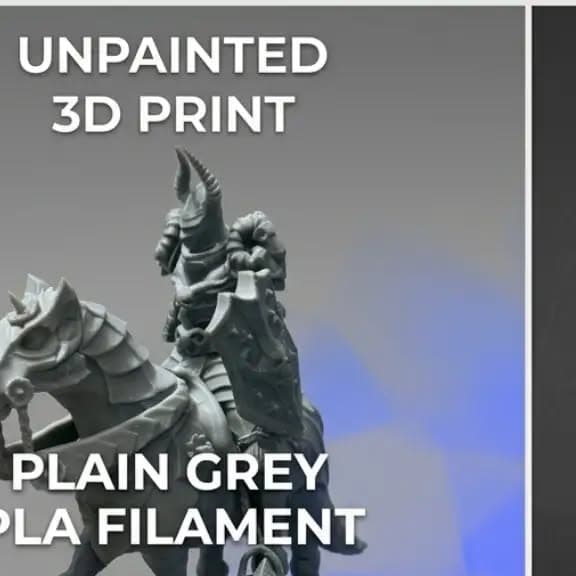
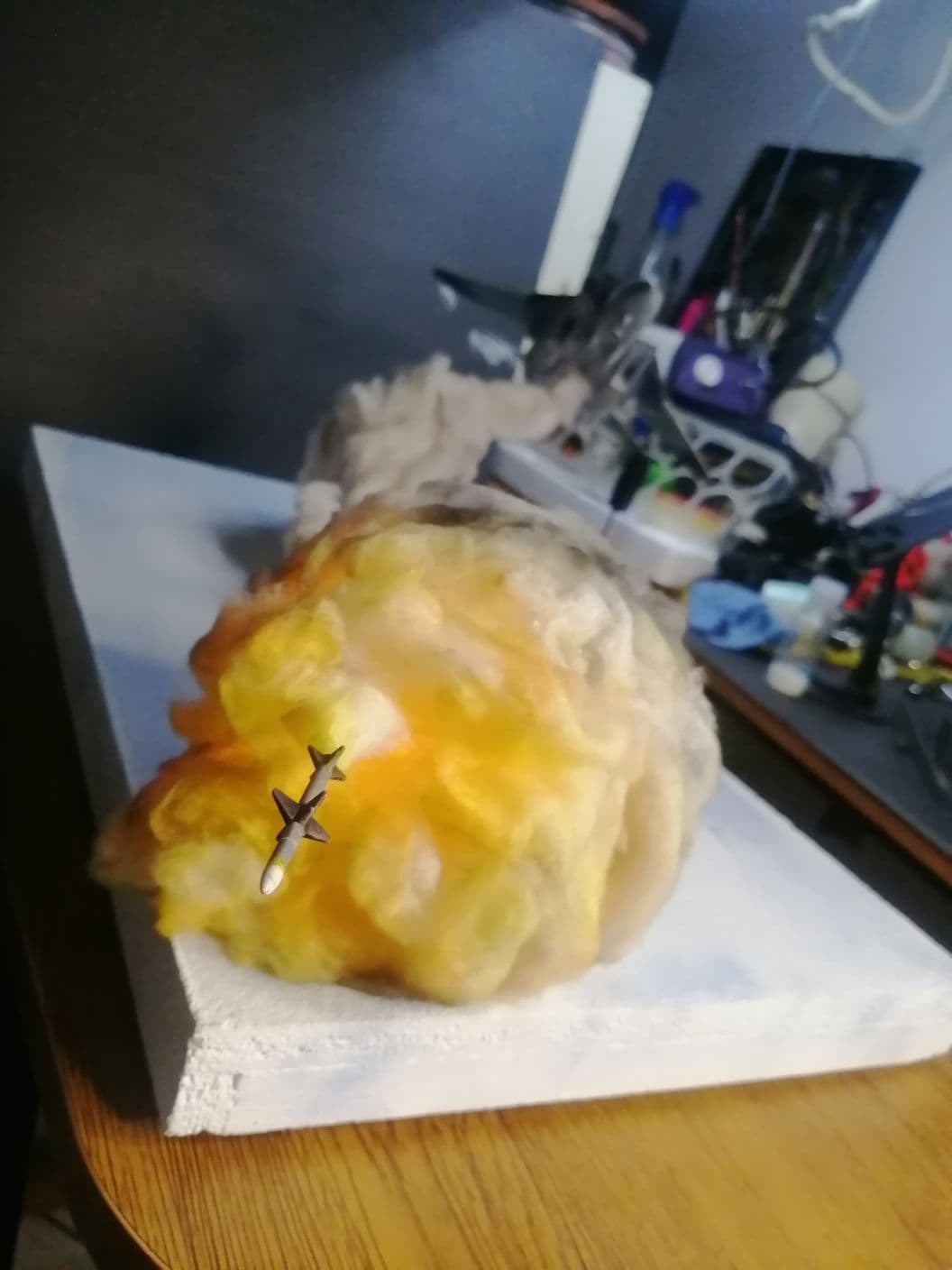
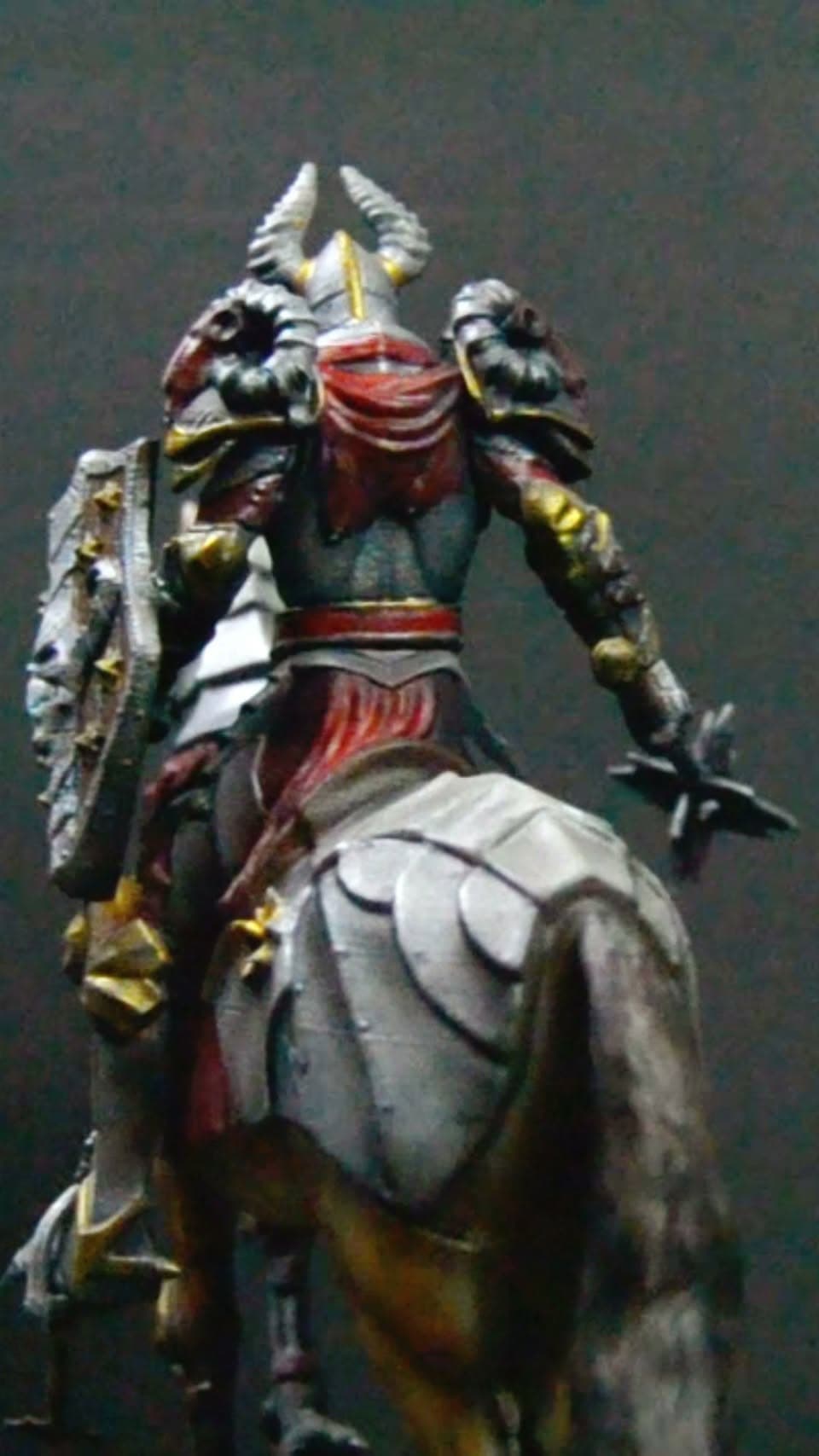
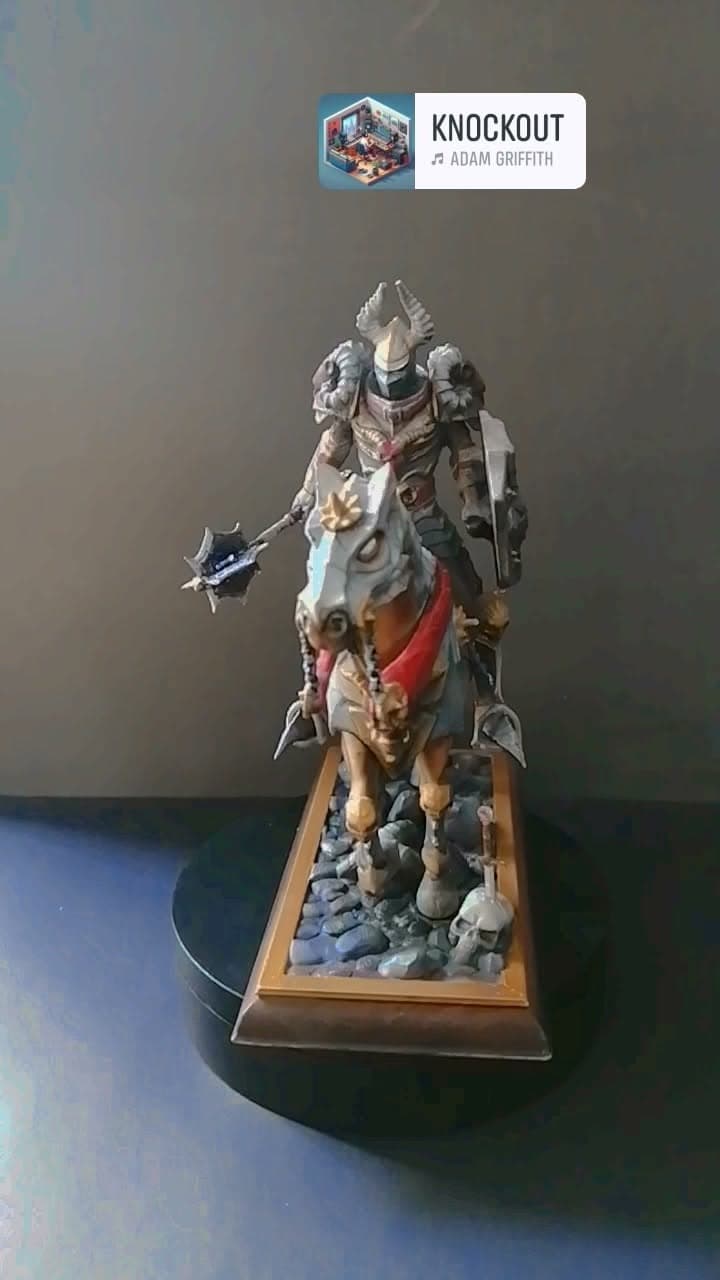
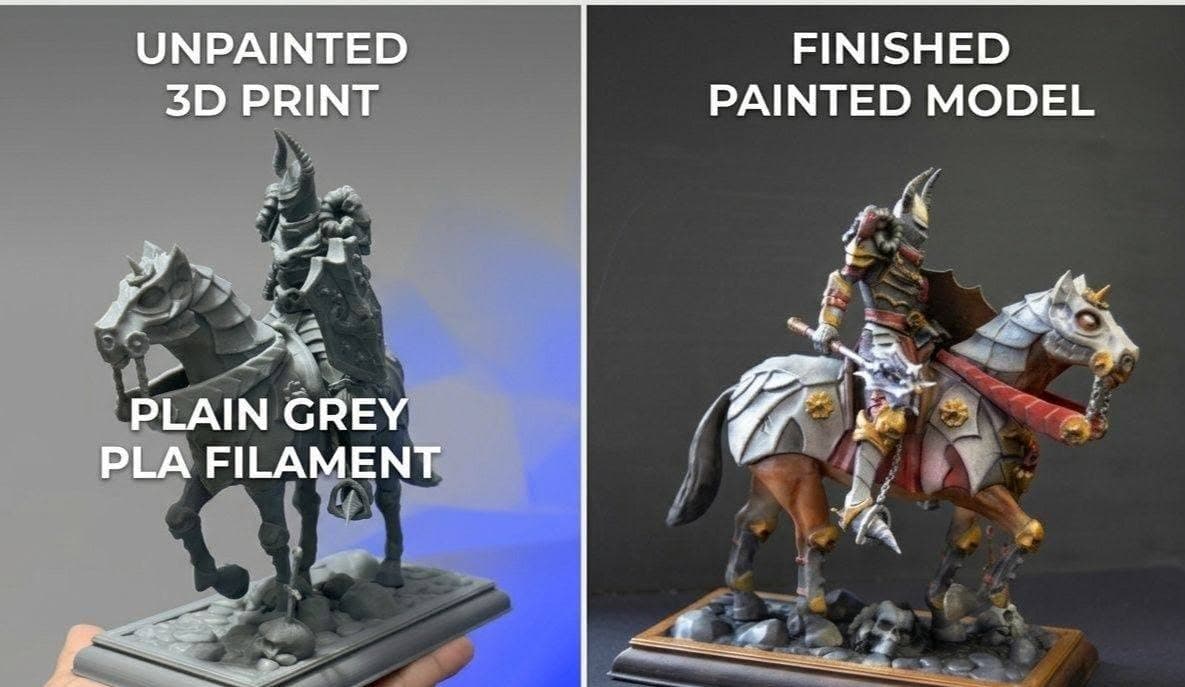
Actual pieces and recordings from the official AirbrushBD channels.
Why it can help
Why use an airbrush here?
Controlled spray can help with gradual shading, larger base areas, and repeatable colour transitions without treating the tool as a substitute for preparation or detail work.
Starting point
What a starting setup may involve
Suitable options depend on the application and must be confirmed before you choose.
An airbrush and a source of compressed air
Paint or primer suited to the exact model material
Cleaning tools for colour changes
A protected, ventilated work area with good lighting
Before you choose
What should you consider?
Focus on the few things that make the biggest difference to this kind of work.
- 01Detail
- Think about narrow areas, masking, and how close you need to work.
- 02Surface
- Check the exact model, resin, plastic, or printed material before choosing materials.
- 03Colour changes
- Plan a cleaning routine between colours and at the end of a session.
- 04Workspace
- Allow room for preparation, ventilation, lighting, and careful storage.
Prepare and care
Materials, cleaning and workspace
Preparation and cleanup are part of every successful session.
Prepare each surface according to the relevant maker guidance.
Keep cleaning steps practical when changing colours or pausing work.
Use ventilation and workspace protection appropriate to the materials involved.
Learn and prepare
Learning and AirbrushBD support
AirbrushBD can help you prepare questions about small-scale setup, material checks, cleaning, and beginner practice before anything is confirmed.
Explore trainingNext step
Ready to explore a starting setup?
Tell us what you want to create. AirbrushBD can help you understand equipment categories, materials, and learning options before anything is confirmed.